
Improving the Big Timer

Our latest update has added some new bits and bobs to the handy timer. I wanted to mention the Big Timer view, in case you hadn’t tried it out. Just tap the little arrow after you start the timer.
You can also rotate your phone to get an even larger landscape view. (Though you may need to alter your phone rotation settings for this to work)

We have also added a neat feature to the big timer, where it will count up extra time after the timed period has ended. I enjoy the activation of saying that I’ll just work for 10 minutes on the timer! But sometimes once I get the ball rolling I want to do a little more, or wait til my podcast ends etc. This way I can give myself credit – the ten minute timer ended, but I did a little extra.
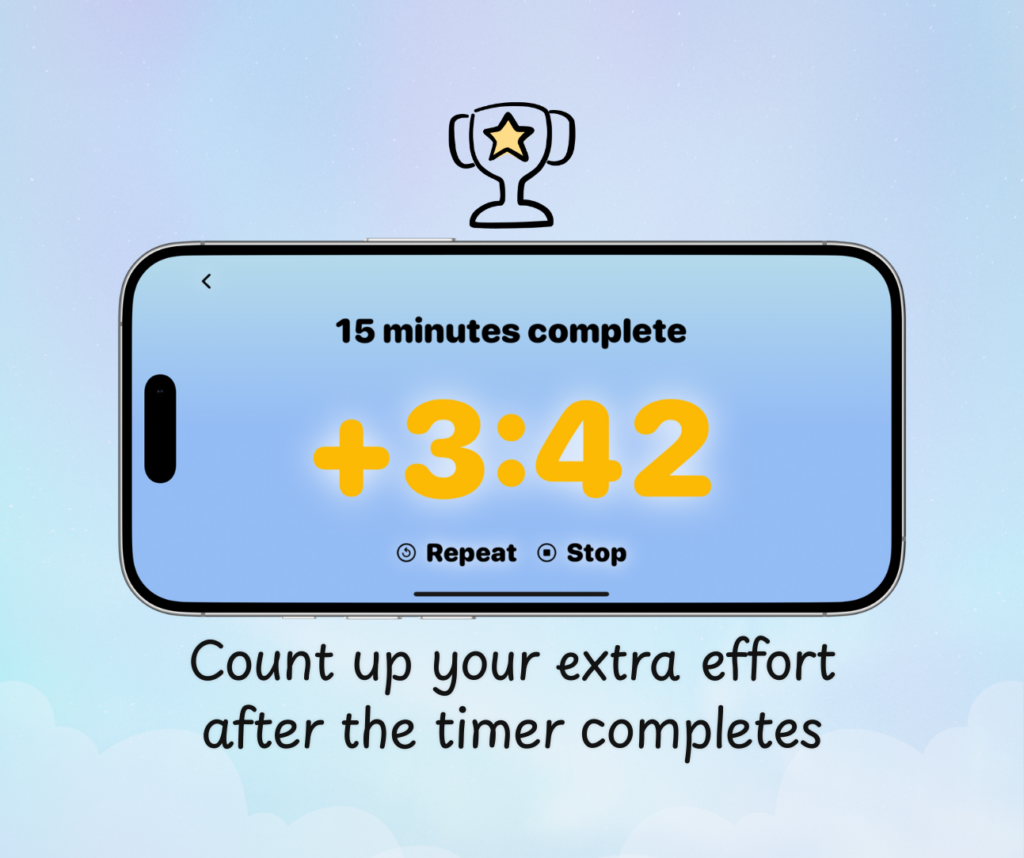
You will also find a repeat button available and the end of a timer, to quickly use the same time again.
The timer alarms now use the iOS “Alarm Kit” which means they are able to play audibly even if your phone is set to silent mode. In case you prefer them to be silent, anyway, we have added an option under Settings where you can select to not have an alarm sound at all.