
It can take a long time to type out all your routines on your iPhone or ipod, so here’s a quicker way that lets you type on your computer instead and use our clever paste to get all those routines set up. All you need is email.
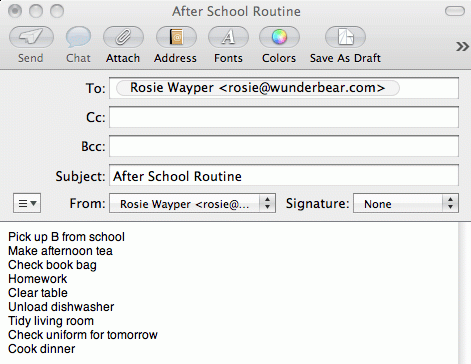
- First, on your computer, create an email message, and address it to yourself.
- Type the tasks in one routine into the message, simply pressing Return in between each item.
- Send the message to yourself.
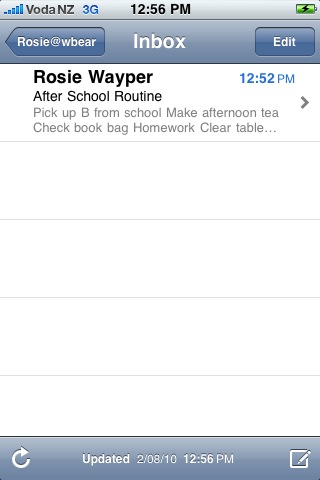
- Now on your iPhone, check your email for the message you sent, and open it up.

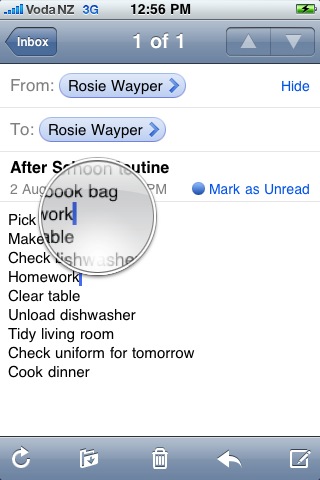
- Touch anywhere on your list of tasks for a moment, and the magnifier will pop up.
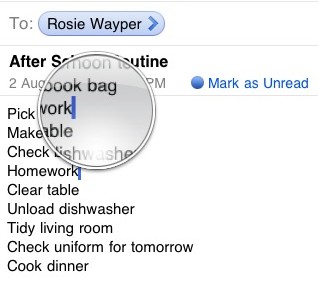
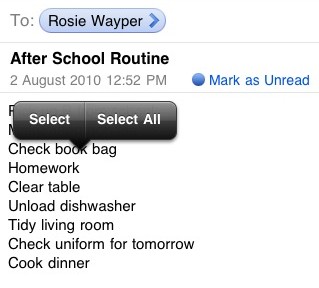
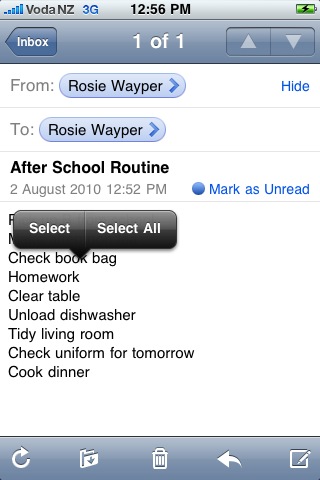
- Lift up your finger and the magnifier will disappear, showing the Selection arrow thingy. Touch Select All.
- All the text in the list will be selected, and the Selection arrow thingy will show Copy. Touch Copy.
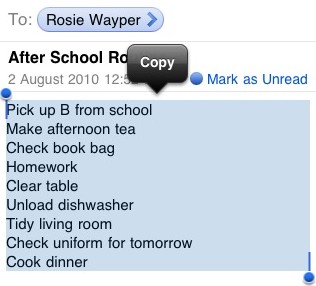
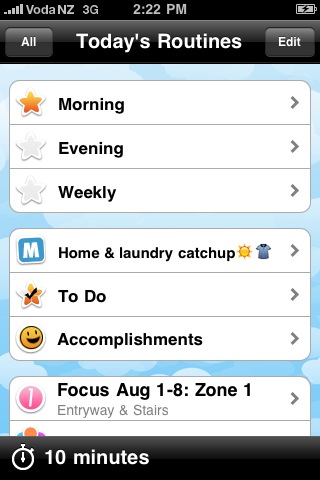
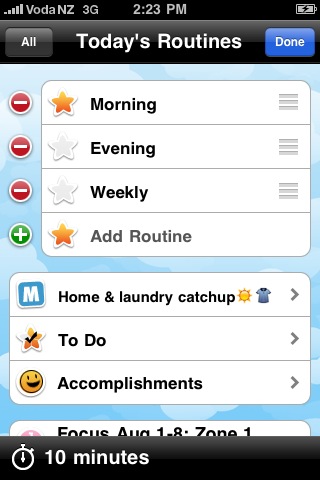
- The list is now copied onto your device’s clipboard. Now close Mail and open HomeRoutines, and touch Edit at the top of the home screen.
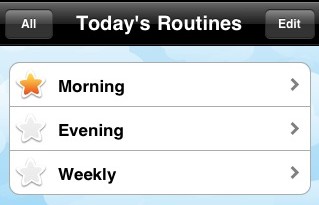
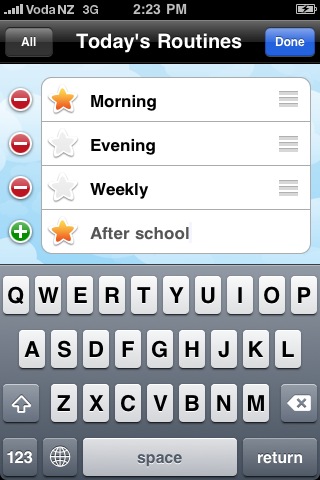
- Touch Add Routine at the bottom of the list.
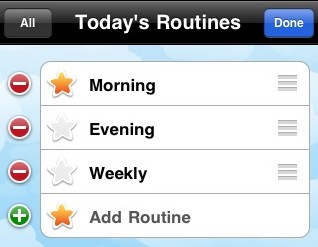
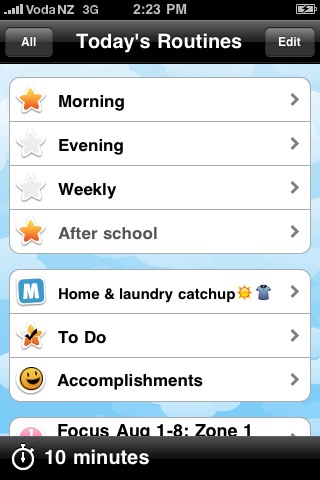
- Type in the name of your new routine, and touch Done
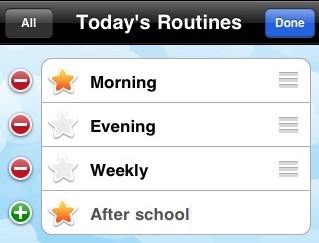
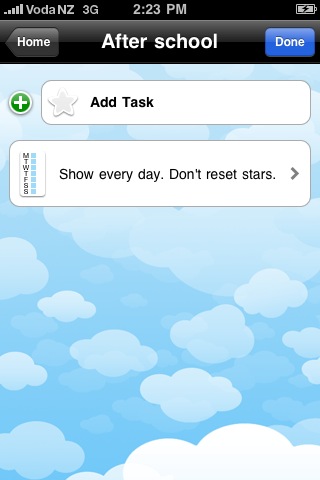
- Now open your new routine by tapping its name
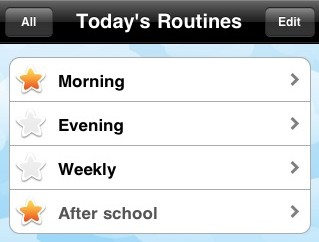
- Touch Add task….
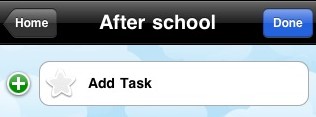
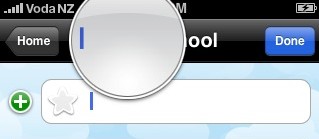
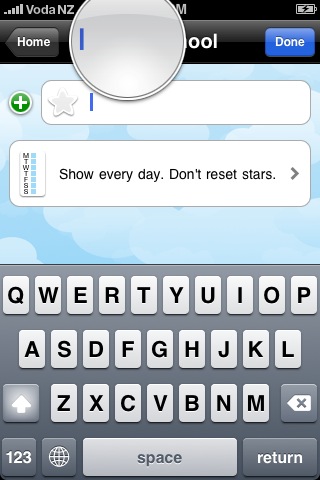
- …keeping touching until the magnifier pops up, then take your finger off the screen.
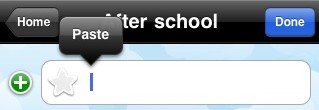
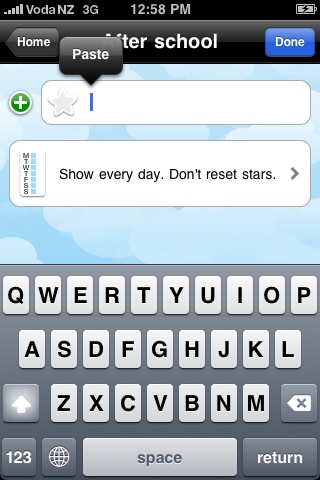
- The selection arrow thingy will pop up. Touch Paste.
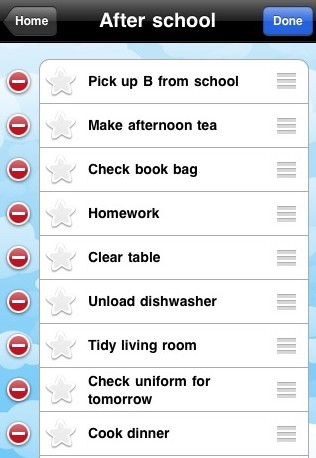
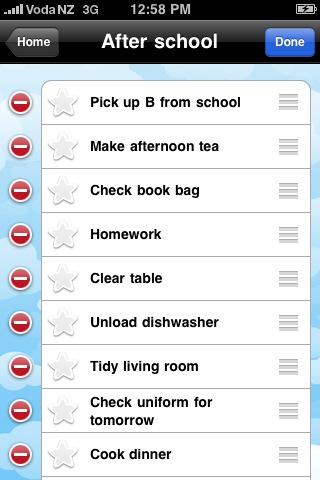
- Voila! All the tasks from your email are now in the new routine.
Click Done and start earning those gold stars!

Of course, you can paste a list into zones and todos as well, and you can copy from other apps as well 🙂